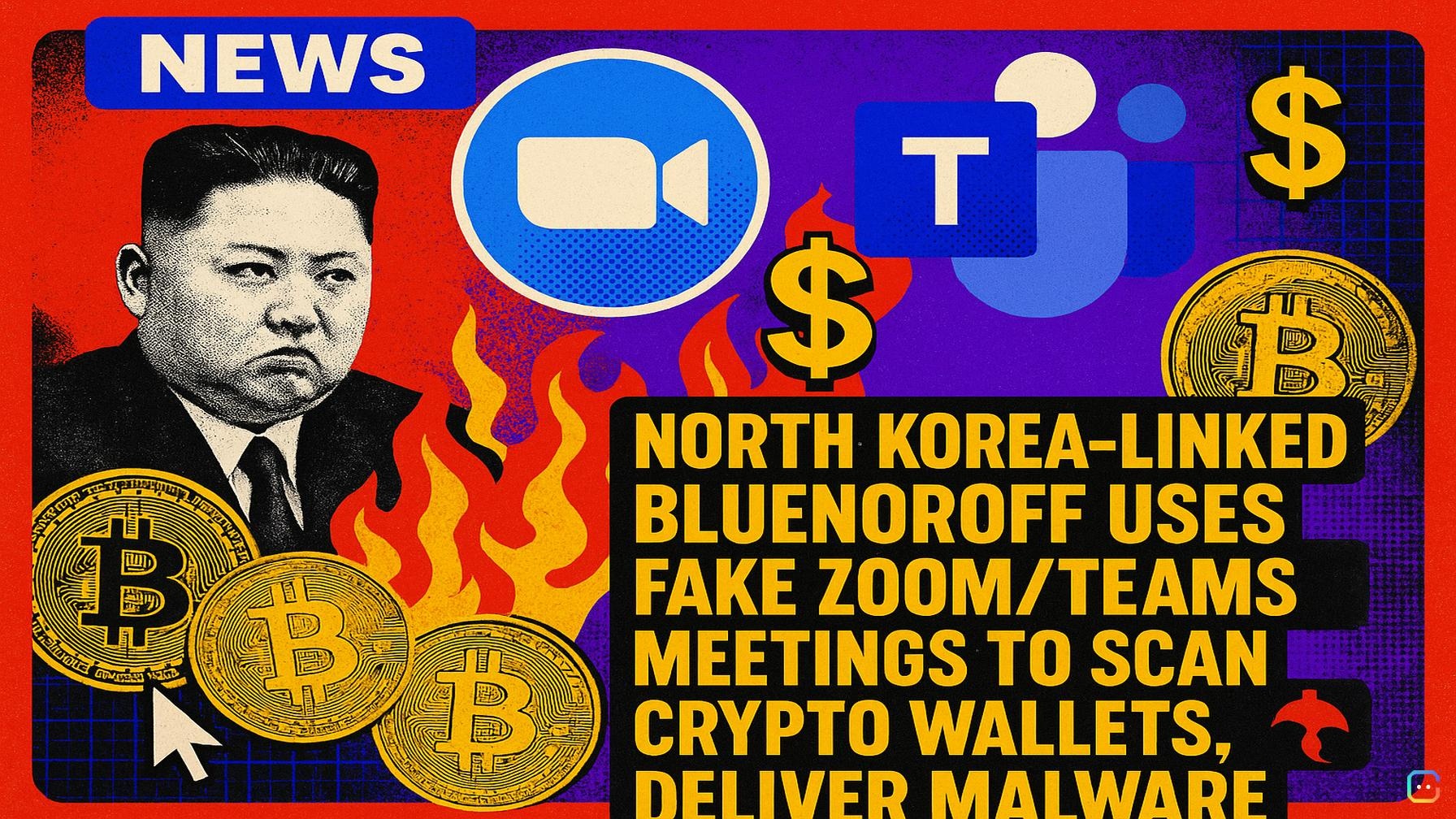
Headline: North Korea-linked BlueNoroff uses fake Zoom and Teams calls to scan crypto wallets and deliver malware
North Korea–linked hacking group BlueNoroff has been running a sophisticated phishing campaign that lures crypto professionals into fake Zoom and Microsoft Teams meetings, profiles their cryptocurrency wallets, then selectively deploys malware.
What researchers found
- Cybersecurity firm JUMPSEC recovered and analyzed source code from an active phishing kit after the operators accidentally exposed JavaScript source maps on live infrastructure. The code revealed separate Zoom and Teams lures, wallet-scanning tools, operator controls and malware delivery paths for Windows and macOS.
- The attack often begins by hijacking a trusted Telegram account belonging to a crypto contact. From that account, attackers send a Calendly-style meeting invite that points to a lookalike meeting domain. JUMPSEC calls this a repeatable victim pipeline: one compromised Telegram session begets more victims.
- When a victim joins the fake meeting, the phishing page silently scans the browser for wallet connections. It checks for Ethereum wallets via EIP-6963 and legacy browser methods, and also probes non‑EVM wallets such as Solana tools. Results are sent to an operator panel so attackers can identify high‑value targets before pushing malware.
Social engineering and real-time control
- Victims see a convincing meeting page that asks for name and webcam access. The site streams the camera to the attacker’s control panel and shows “waiting for other participants.” Operators can join with a prepared video, send chat messages (e.g., “your mic isn’t working”) and trigger fake “Zoom SDK Update” prompts.
- The participant video is often fabricated: AI-generated headshots combined with body movements captured in earlier meetings allow attackers to present a familiar-looking person while messaging from the compromised Telegram account.
- The Teams lure is more polished—emoji reactions, device settings and background effects—while a Google Meet option in the kit appears unfinished. JUMPSEC notes Zoom and Teams are effective lures because both have desktop clients, making fake update prompts seem credible.
Technical details of the malware
- On Windows, the kit’s ClickFix command launches a small PowerShell loader that downloads a VBScript, adds a Microsoft Defender exclusion and restarts Defender to apply the change. The implant collects system information, enumerates browser extension IDs across Chrome, Edge, Brave, Opera, Vivaldi and Firefox variants (allowing operators to match IDs to wallets like MetaMask), and looks for Telegram Web files. It can accept follow-on payloads from operators.
- On macOS, victims are fed a fake Zoom or Teams installer while a stealer runs in the background. Variants collected system info and extracted Chrome master keys from Apple’s Keychain, exfiltrating data via a Telegram bot and optionally downloading additional payloads. JUMPSEC traced four macOS variants between April 22 and July 15, showing ongoing development of the toolkit.
Context and prior findings
- These findings build on earlier research. In April, Arctic Wolf cataloged more than 80 lookalike Zoom and Teams domains and found media from roughly 100 targets on attacker infrastructure; about 80% of those targets worked in crypto, blockchain finance or related investments, and 45% were founders or CEOs.
- Other linked campaigns have used compromised Telegram accounts, spoofed meeting invites, fake software updates, and social-engineering during calls (including asking victims to run commands) to steal browser credentials, wallet data and Telegram files. Previous malware such as NimDoor has also been tied to similar fake update lures.
Mitigation advice for crypto teams
- Treat meeting links carefully—even when sent from trusted accounts—because the sender’s session may be compromised. Verify unusual invites through a different channel (phone, separate app, or direct message).
- Never run commands or install updates prompted during a call unless you verified them independently.
- If you suspect exposure: revoke Telegram sessions, isolate any device that ran the requested script, and review PowerShell activity, Microsoft Defender exclusions and recent Keychain access. Check for new Telegram logins.
- Be aware that a password reset alone may not terminate stolen sessions or remove malware already running across affected systems.
Why this matters
BlueNoroff’s toolkit lets operators profile wallets silently, choose high‑value victims, and control the meeting and malware deployment in real time—raising the stakes for crypto executives and teams. The campaign underscores the need for strict verification of meeting invitations, stronger session hygiene, and vigilant endpoint monitoring in crypto organizations.
Read more AI-generated news on: undefined/news